01 — Overview
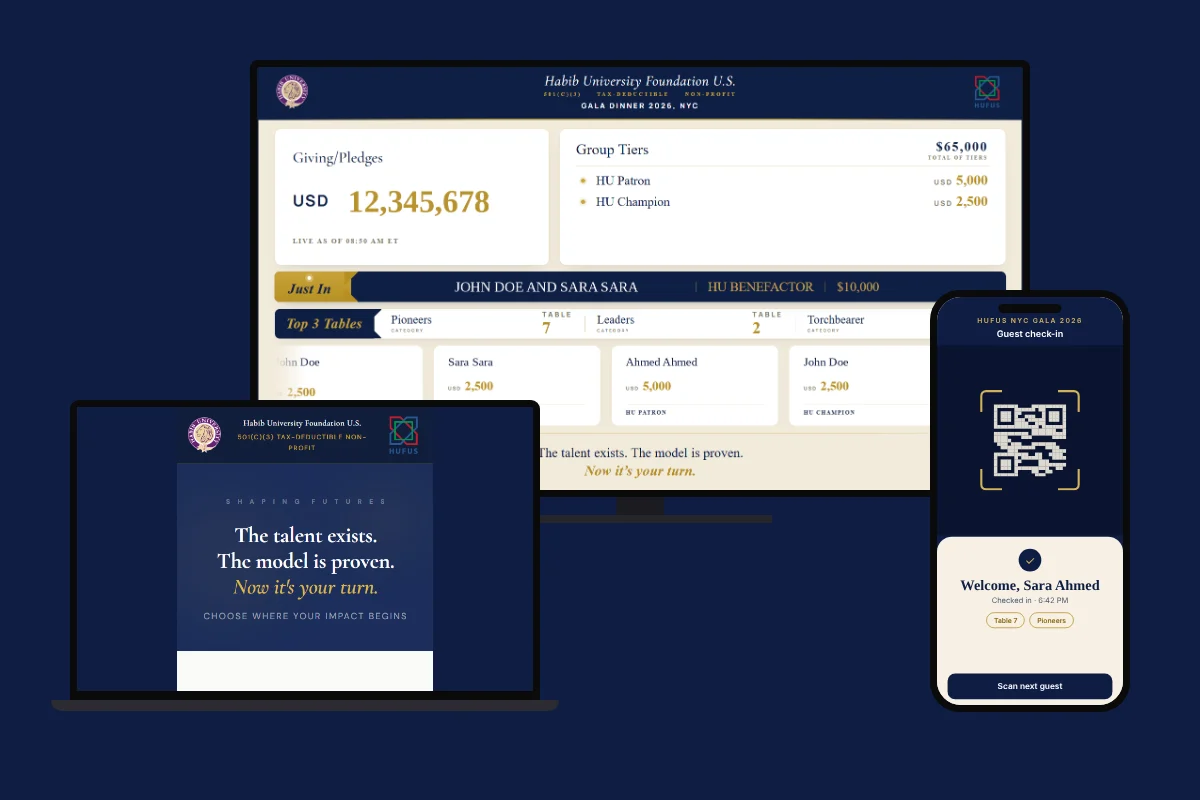
The HUFUS NYC Gala 2026 needed one connected system: a giving page donors could trust, a live total the whole room could watch, and tools the team could run from a laptop. I acted as Digital Product Owner, and I designed and built the front end myself.
106%raised of target amount
02 — My role
Digital Product Owner, end to end
- Design
- Front-end development
- Stakeholder management
- Donor interviews
- RSVP on Greenvelope, managed with Claude
- QR check-in app built in Google AI Studio
- Reports and dashboards after the event
03 — The screens
Give, run the night, check in
01
Give
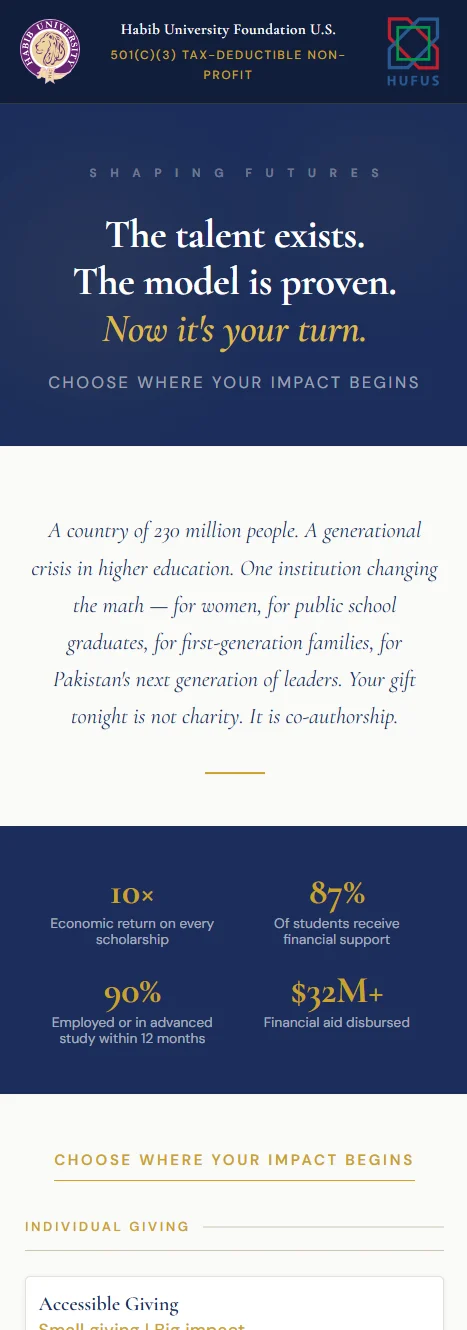
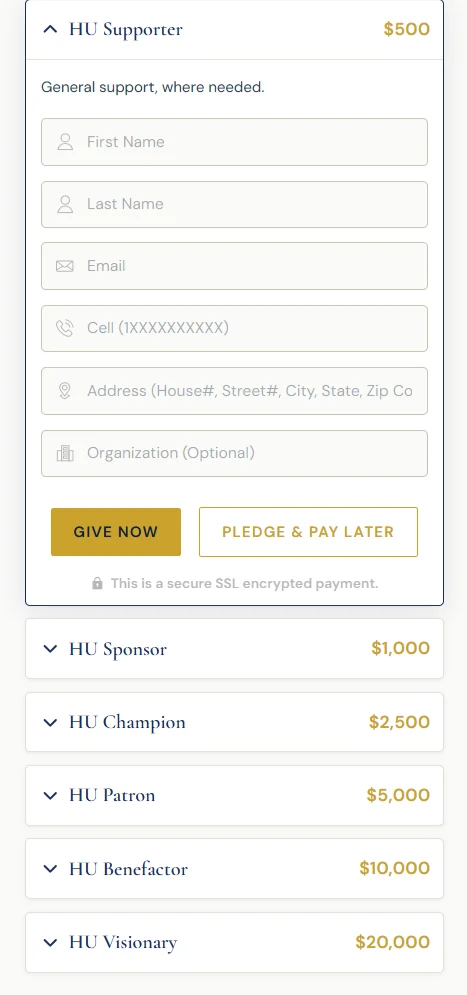
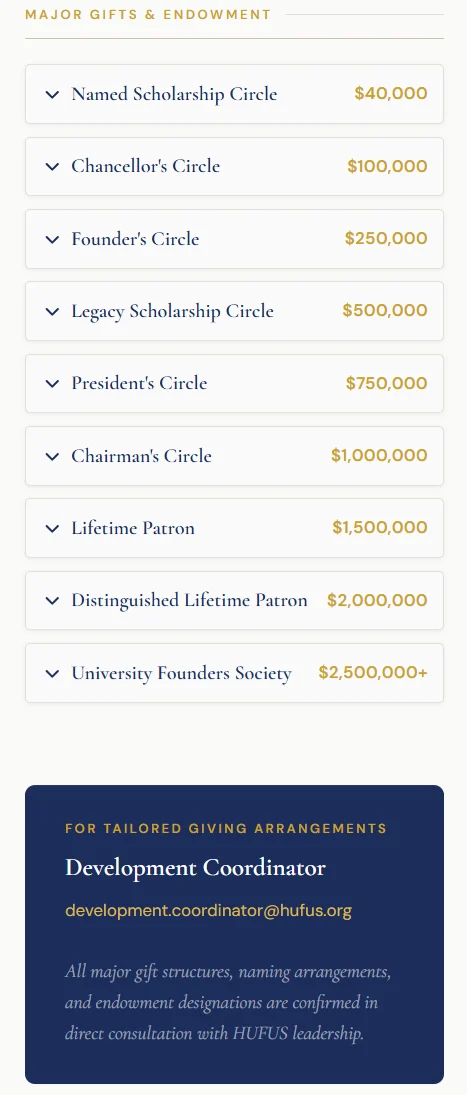
One page for every gift, from $500 to endowments. Give now, or pledge and pay later.
02
Run the night
A live total for the room, and a moderator in control of what it shows.
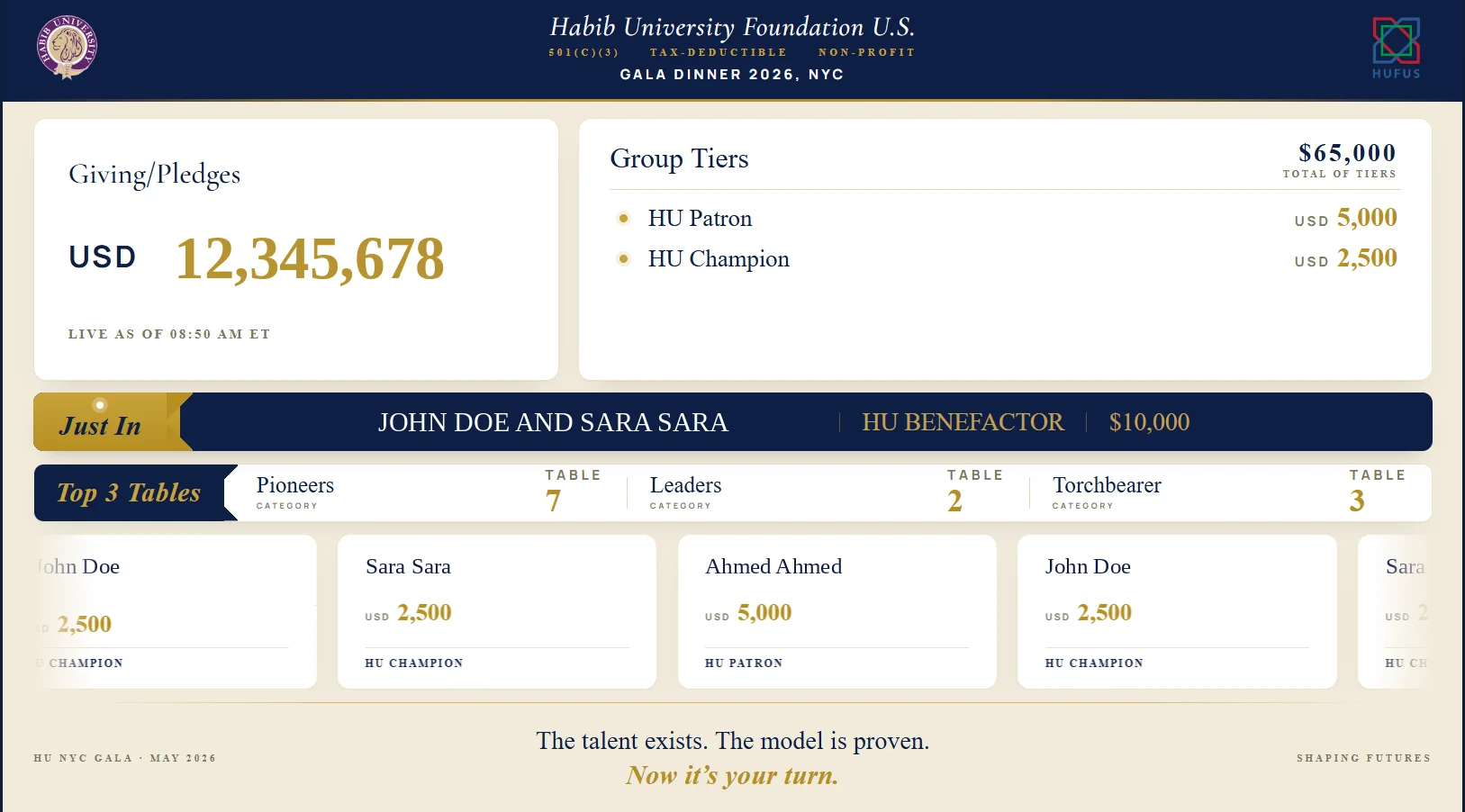
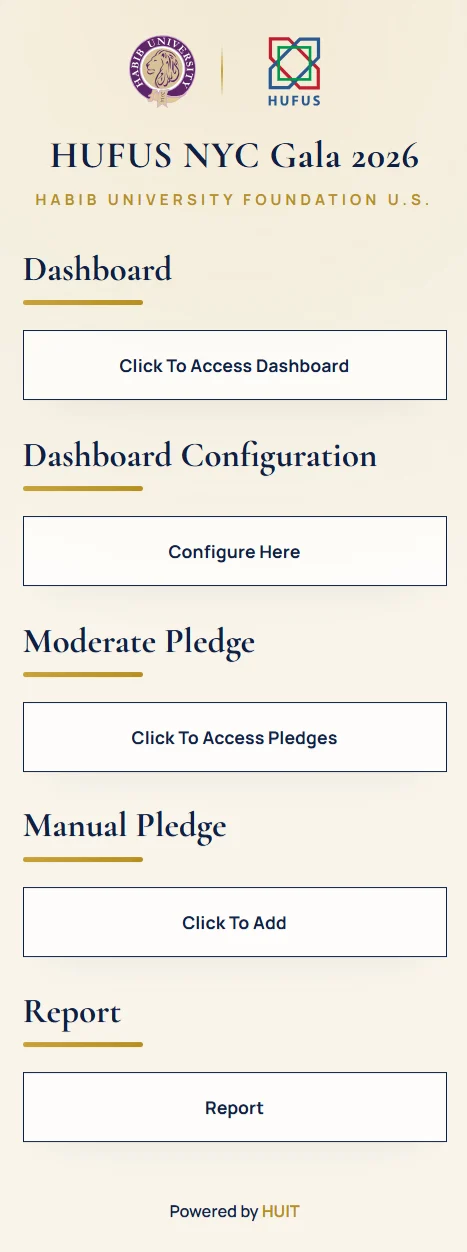
- Funding MeterLive total, latest pledge, group tiers and top tables on the big screen.
- Moderation queueEvery pledge, online or manual, waits for a moderator to publish it.
- ConfigurationSwitch the featured group and table numbers without refreshing the stage.
- Manual pledgeCheques and pre-pledges entered by staff.
- ReportReconciliation once the program ends.
03
Before and after
From invitation to final report, in one connected flow.
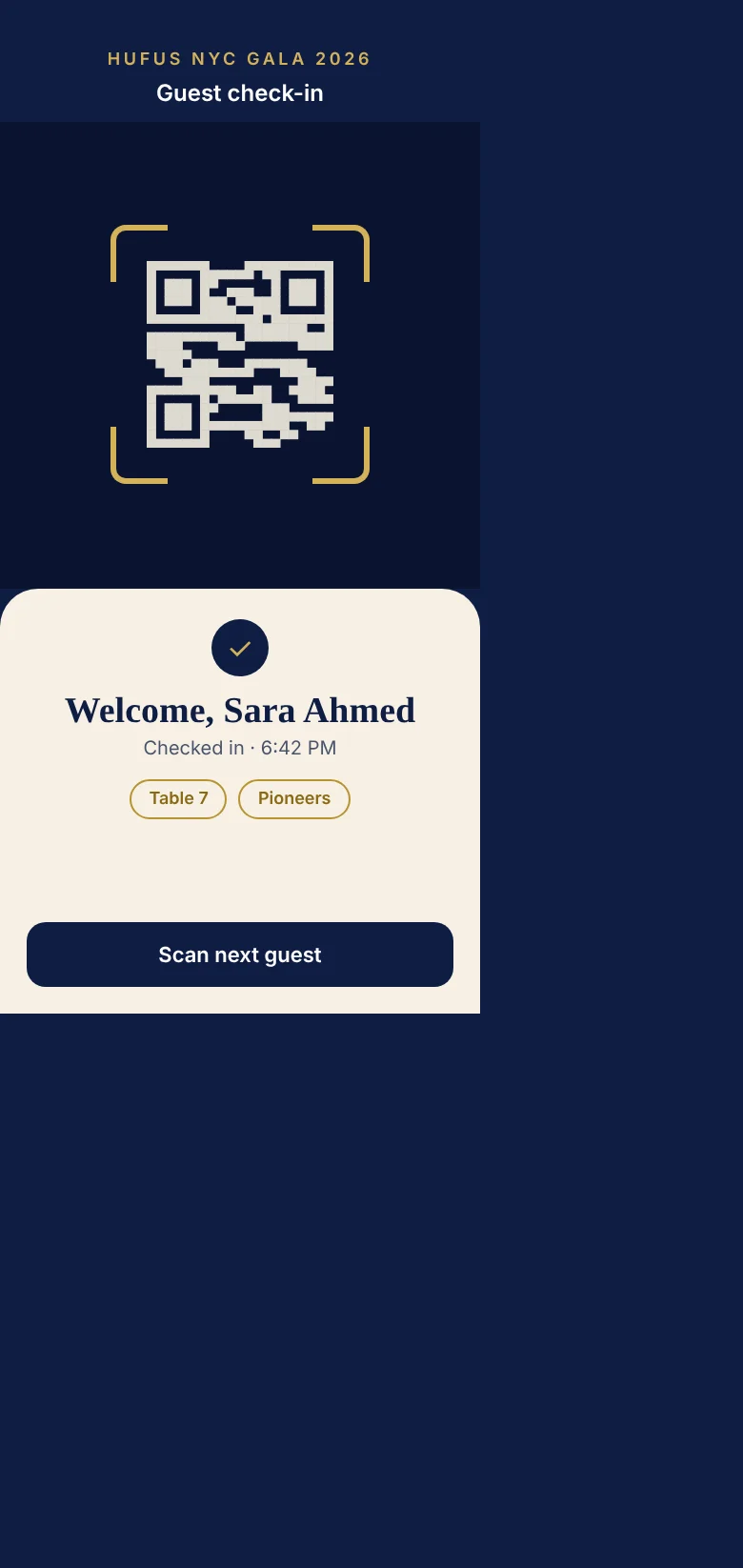
Illustrative mockup. The original app has been retired.
- Invite and RSVPInvitations and RSVPs on Greenvelope, with Claude managing the responses.
- Check inGuests scanned in at the door with a QR app built in Google AI Studio.
- Live givingPledges published to the funding meter as they came in.
- Reports and dashboardsGenerated after the event.